

Last Updated: October 27, 2026
When it comes to website hosting and business data management, several technologies help organizations transfer, store, and share information. One of the traditional methods is File Transfer Protocol (FTP), which allows users to transfer files between computers over a network.
FTP servers are commonly used by website administrators, developers, businesses, and IT teams to manage website files, exchange documents, and move large amounts of data. Understanding how FTP works and what it offers can help businesses determine whether it is the right solution for their file-sharing requirements.
Table of Contents
What Is an FTP Server?
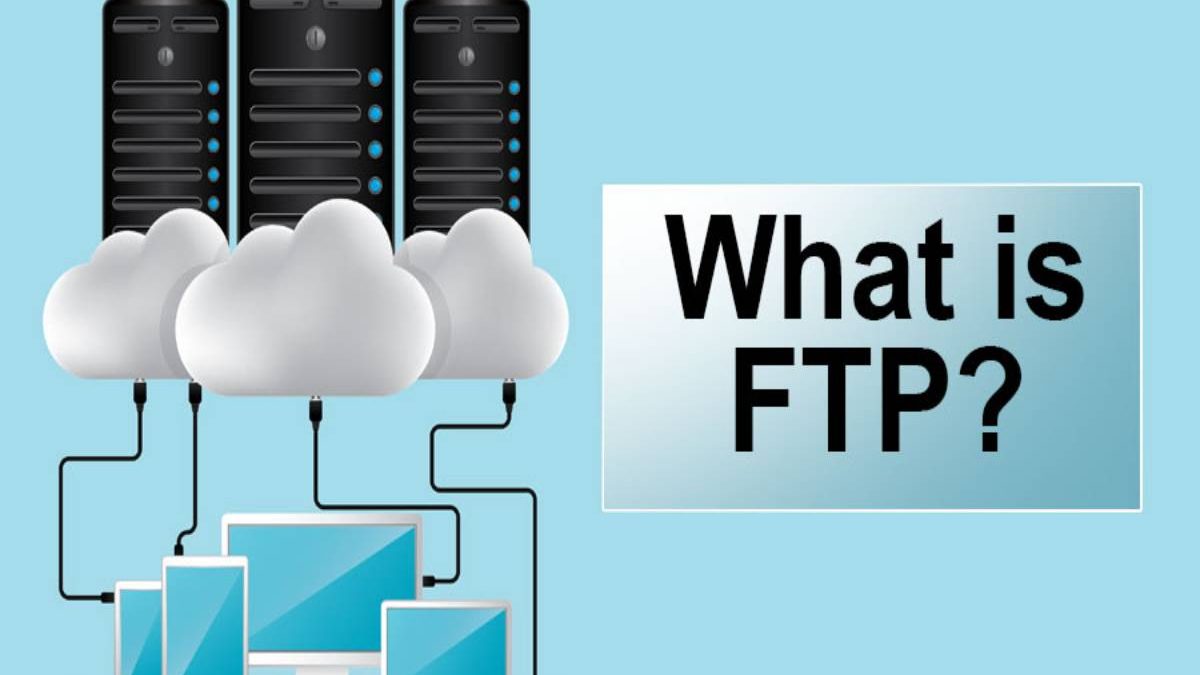
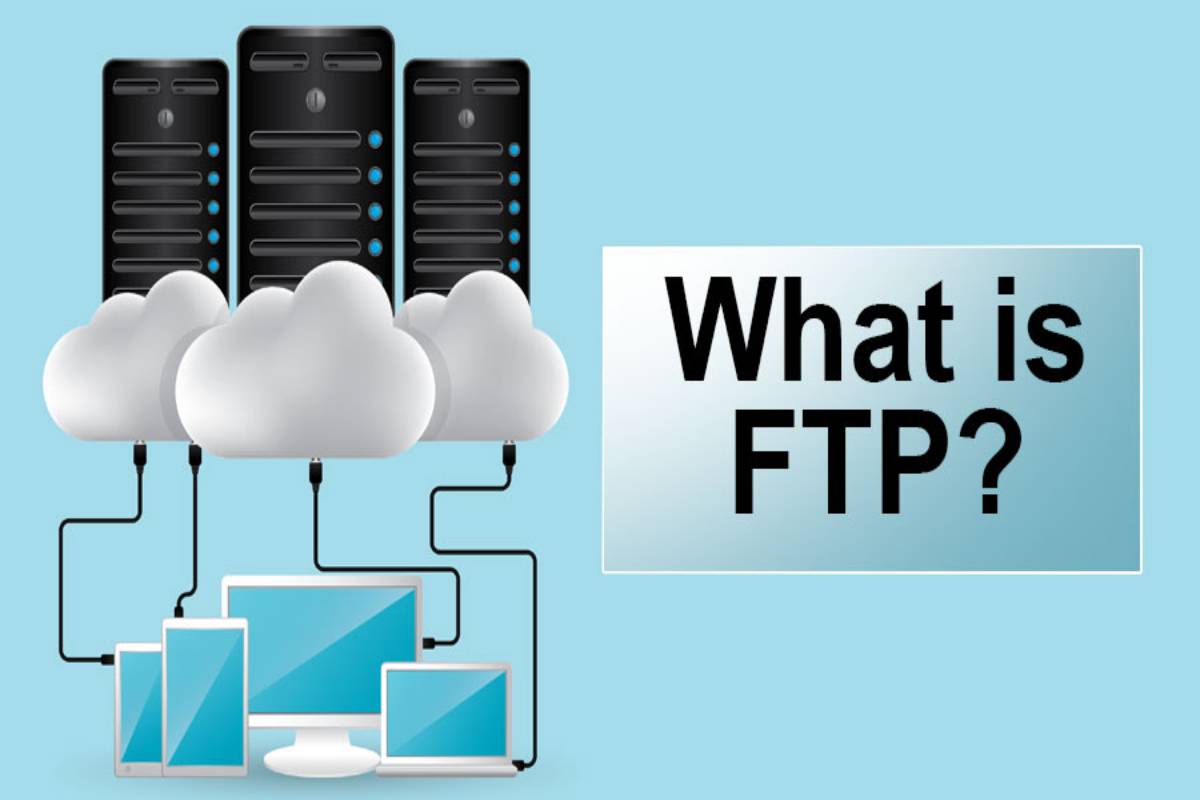
A File Transfer Protocol (FTP) server is a computer or software service that allows users to upload, download, and manage files between connected systems over a network.
FTP uses a client-server model. An FTP client connects to an FTP server to request access to files or perform file-transfer operations. Depending on the server configuration, users may be able to upload documents, download resources, create directories, and manage website files.
For example, a website administrator might use an FTP client to upload website files to a hosting server or download files for troubleshooting.
FTP is supported across many operating systems and remains useful in certain business environments. However, traditional FTP does not encrypt credentials or transferred data. Businesses handling sensitive information should consider secure alternatives, such as SFTP (SSH File Transfer Protocol) or FTPS (FTP over TLS).
Why Install an FTP Server?
An FTP server provides a centralized way to exchange files between computers, employees, customers, and business partners. Organizations that regularly handle large files or maintain websites may find this technology useful.
Here are some common reasons businesses use FTP servers:
- Website management: Upload and download website files, scripts, images, and other resources.
- File sharing: Exchange documents and digital assets between authorized users.
- Data transfers: Move large files between systems without relying on email attachments.
- Backup workflows: Transfer backup files to another server or storage location.
- Business collaboration: Provide teams and partners with access to shared files when appropriate permissions are configured.
The right server infrastructure can also improve overall business performance. For example, understanding the benefits of a dedicated server for your business can help organizations evaluate whether dedicated computing resources are suitable for their hosting, storage, and file-transfer workloads.
Basic Benefits of FTP Server Functions
FTP servers offer several practical benefits for organizations that need reliable file-transfer processes. Their usefulness depends on the server configuration, network performance, access controls, and security measures in place.
1. Transfer Files Efficiently
One of the primary benefits of an FTP server is its ability to transfer files between a client and a server.
Users can upload website files, download reports, exchange large documents, and move digital assets between systems. FTP clients also provide interfaces that make file management easier for users who do not want to rely entirely on command-line tools.
For web developers, FTP can be particularly useful when transferring files to a hosting environment. However, secure protocols should be used whenever credentials or confidential data are involved.
2. Support Secure Data Transmission
Businesses need to protect sensitive information during file transfers. Although traditional FTP supports file exchange, it does not encrypt data by default, leaving usernames, passwords, and transferred files vulnerable to interception on untrusted networks.
Organizations can improve protection by using SFTP or FTPS, enforcing strong authentication, restricting user permissions, and keeping server software updated.
Additional safeguards may include IP restrictions, secure key management, malware scanning, and activity monitoring. The appropriate combination depends on the organization’s security requirements and the sensitivity of its data.
3. Share Files With Others
An FTP server can help employees, contractors, customers, and business partners exchange files through a centralized system.
For example, a digital marketing agency might use a secure file-transfer server to exchange website assets, content files, reports, and technical documents with clients.
Administrators can create separate accounts and restrict access to specific folders. These controls help prevent unauthorized users from accessing information that is not intended for them.
For businesses that need broader connectivity, selecting the right internet service is also important. A suitable broadband option for your business can help support routine uploads, downloads, remote access, and other network-dependent activities.
4. Get More Functionality From an FTP Server
FTP servers can offer more than basic file transfers. Depending on the server software and configuration, administrators may be able to manage user accounts, control directory access, automate transfers, and organize files into structured folders.
Businesses can also integrate file-transfer processes with scripts or scheduled workflows. For example, an organization might automate the transfer of daily reports or website backups to another system.
These capabilities can reduce repetitive manual work and make file-management processes more consistent.
5. Exchange Files Between Different Systems
FTP can facilitate file exchange between compatible clients and servers, including systems running different operating systems.
This flexibility can be useful when teams work across multiple computing environments or need to transfer files between development, testing, and production systems.
Before implementing a file-transfer workflow, businesses should verify that the chosen protocol, server software, and client applications are compatible with their technical requirements.
6. Improve Auditing and Monitoring
Monitoring file transfers helps businesses understand how their data is accessed and moved.
Depending on the server and associated tools, administrators can review connection records, authentication attempts, upload and download activity, and file-transfer errors.
These records can help identify unusual behavior, troubleshoot operational issues, and support internal security reviews. However, logging alone does not guarantee that a server is secure. Access controls, encryption, regular patching, and incident-response procedures remain important.
Businesses should also establish appropriate log-retention policies and protect audit records from unauthorized modification.
7. Provide Flexible Storage Capacity
FTP servers allow organizations to transfer files to and from server storage. Their available capacity depends on the underlying hardware, hosting plan, storage configuration, and network resources.
Businesses can expand storage as requirements grow, provided the selected infrastructure supports it.
However, an FTP server is not automatically a complete backup solution. Organizations should maintain separate backups, define retention policies, and periodically test whether their data can be restored.
Cloud storage may be another option for businesses that need scalable storage and convenient access across multiple locations. Before selecting a provider, review whether cloud storage is safe enough for your business, including its encryption, access-control, recovery, and compliance features.
8. Keep Business Data Protected
Data security is essential for organizations that handle confidential documents, customer information, financial records, or proprietary business files.
A properly configured file-transfer environment can help organizations manage who has access to their files and how information is exchanged. Secure protocols, strong authentication, least-privilege permissions, and regular security updates are essential components of this approach.
Businesses should avoid exposing FTP services unnecessarily to the public internet. They should also review user accounts regularly and disable access when it is no longer required.
The objective is to make file sharing convenient without compromising the confidentiality or integrity of business data.
9. Upload Files Quickly
FTP clients allow users to upload files from their local computers to a remote server. This is useful for website updates, document sharing, media transfers, and other workflows involving large files.
Transfer speed depends on factors such as file size, available bandwidth, server performance, network congestion, and the distance between the client and server.
A stable internet connection can make a meaningful difference. Businesses should assess their upload bandwidth as well as their download speed, particularly when employees regularly send large files to remote servers.
10. Download Files Quickly
FTP also enables users to download files from a remote server to their local devices.
This capability is useful when retrieving website backups, accessing shared resources, downloading reports, or obtaining files stored in a central location.
To maintain reliable performance, organizations should monitor server resources, review network limitations, and select an appropriate hosting environment.
What Is a Personal Area Network?
A Personal Area Network (PAN) is a small network used to connect devices within an individual’s immediate surroundings. Common examples include connecting a smartphone to wireless headphones, linking a laptop to a smartphone hotspot, or transferring data between nearby personal devices.
PANs can use technologies such as Bluetooth, USB, or Wi-Fi, depending on the devices and setup.
A PAN differs from an FTP server. A PAN describes a network that connects personal devices, whereas FTP is a protocol used to transfer files between compatible client and server applications. An FTP server may be accessed over a local network or a wider network, depending on its configuration.
Understanding these distinctions helps businesses choose the right technology for file sharing, device connectivity, and network management.
FTP Servers and Cloud Technology
As businesses increasingly adopt remote work and distributed teams, cloud-based infrastructure has become an important part of data management.
Traditional FTP servers can be hosted on local infrastructure, dedicated servers, or cloud-based virtual machines. Businesses may also choose managed file-transfer platforms or cloud storage services, depending on their security and operational needs.
Cloud technology can support scalable storage, remote access, automated workflows, and collaboration across different locations. Organizations should nevertheless evaluate access permissions, data residency, backup arrangements, compliance requirements, and ongoing costs before migrating business data.
Companies interested in expanding their digital infrastructure can explore how to leverage cloud technology for business growth to understand how cloud-based systems may support efficiency and scalability.
The Importance of High-Speed Internet for File Transfers
An FTP server’s performance depends partly on the quality of the network connecting users to the server. Slow or unstable internet connections can delay uploads, interrupt downloads, and affect employees who depend on remote file access.
Businesses should consider their upload and download bandwidth, connection reliability, latency, and the number of users accessing the system simultaneously.
Organizations that regularly transfer large media files, website backups, databases, or technical documents may benefit from evaluating the organizational benefits of high-speed internet when planning their network infrastructure.
High-speed connectivity alone does not guarantee fast transfers, however. Server capacity, storage performance, protocol overhead, and network congestion can also influence results.
Conclusion
An FTP server can provide businesses with a practical way to upload, download, organize, and exchange files between computers and remote systems. Its benefits include centralized file management, support for website administration, flexible transfer workflows, and the ability to share files with authorized users.
However, organizations should understand the security limitations of traditional FTP before using it for business data. SFTP and FTPS provide encrypted alternatives, while strong authentication, appropriate access permissions, monitoring, and regular backups help strengthen overall protection.
Businesses should also consider their hosting infrastructure, storage requirements, and internet connectivity when selecting a file-transfer solution.
Ultimately, the best approach depends on the organization’s workload, budget, technical resources, and security needs. By choosing suitable infrastructure and implementing secure file-transfer practices, businesses can improve data management and support more efficient digital operations.