

Last Updated: October 28, 2026
Mobile phones and applications have become an essential part of everyday life. People use mobile apps for shopping, banking, communication, entertainment, education, and business. With mobile app development in Dubai and other technology hubs, businesses can create custom applications to reach customers, improve services, and strengthen their brands.
However, developing an app is only the first step. User retention is equally important. When users find an application useful, attractive, accessible, and easy to navigate, they are more likely to return.
Businesses can improve retention by investing in thoughtful user interfaces, useful features, fast performance, and personalised experiences. Below are some of the leading mobile app design trends to consider in 2026.
Table of Contents
1. Neumorphism and Modern Interface Design
An app icon and interface are often the first things users notice when interacting with a mobile application. A visually appealing design can make a positive first impression, but usability should always come first.
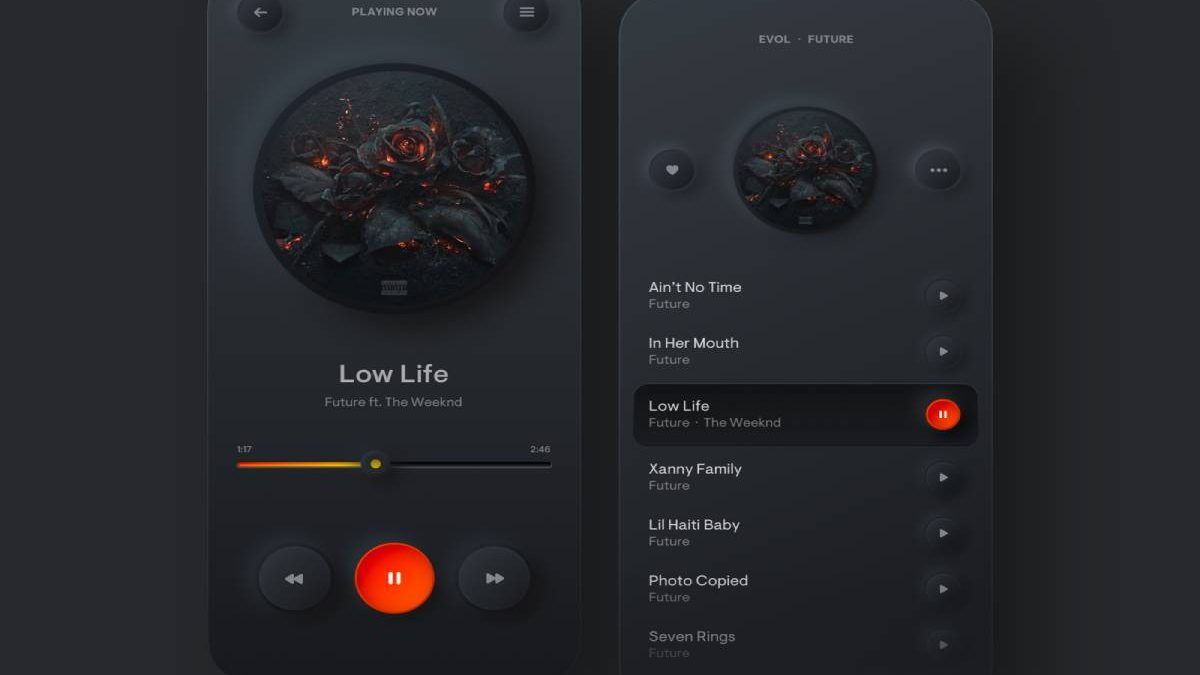
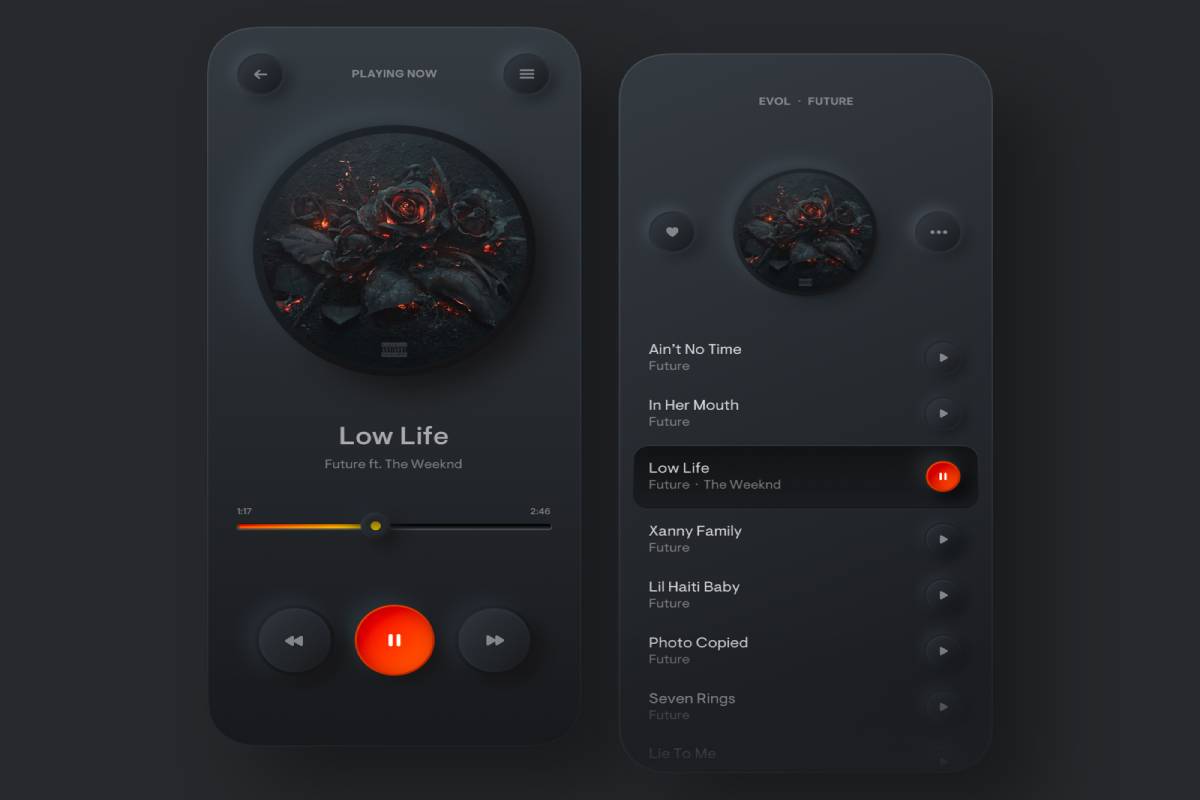
Neumorphism is a design style that uses subtle shadows, highlights, and similar background colours to create the appearance of raised or recessed interface elements. It evolved from ideas associated with skeuomorphism, which uses visual cues inspired by real-world objects.
Although neumorphism can create an elegant appearance, excessive use may reduce contrast and make buttons difficult to identify. In 2026, designers should combine attractive visual effects with accessible colour contrast, clear labels, and easily recognisable controls.
Best practices include:
- Use subtle shadows instead of excessive visual effects.
- Maintain sufficient contrast between text and backgrounds.
- Make buttons and interactive elements easy to identify.
- Keep navigation consistent across screens.
- Test designs on different screen sizes.
The objective is to create an interface that looks modern while remaining practical for everyday users.
2. Clear Visuals and Eye-Friendly Interfaces
People spend considerable time using smartphones, making comfortable and readable interfaces increasingly important. Designers can improve the viewing experience through thoughtful typography, balanced spacing, and appropriate colour choices.
An eye-friendly interface does not eliminate eye strain, but it can make content easier to read and reduce unnecessary visual distractions.
Useful design practices include:
- Dark mode: Provides an alternative colour scheme and may be more comfortable for some users in low-light environments.
- Readable typography: Uses suitable font sizes, line spacing, and text contrast.
- Adaptive layouts: Adjusts content to different screen sizes and orientations.
- Reduced visual clutter: Helps users focus on the information they need.
- Accessible controls: Provides sufficiently large touch targets and clear interaction feedback.
Designers should also consider users with visual impairments and provide accessibility features wherever possible.
3. Augmented Reality and Virtual Reality Experiences
Augmented reality (AR) and virtual reality (VR) continue to offer opportunities for interactive digital experiences.
AR adds digital elements to a view of the physical world, while VR creates an immersive environment. Mobile applications can use these technologies for product visualisation, education, training, entertainment, and interactive shopping.
For example, a furniture retailer might allow customers to preview how a sofa would look in their living room. A learning application could use interactive 3D models to explain complex concepts.
In 2026, designers should focus on practical applications rather than adding immersive effects simply because they are available.
Important considerations include:
- Device compatibility and performance.
- Clear instructions for first-time users.
- Privacy when accessing cameras or other sensors.
- Battery consumption and processing requirements.
- Accessible alternatives for users who cannot use immersive features.
When implemented thoughtfully, AR and VR can make applications more interactive and useful.
4. Data Visualisation and Interactive Dashboards
Data visualisation helps users understand complex information through charts, graphs, diagrams, and interactive dashboards.
Business applications can use visualisations to present sales figures, marketing performance, financial information, customer behaviour, and operational metrics. Instead of forcing users to interpret large tables of numbers, a well-designed dashboard can highlight important patterns quickly.
Effective data visualisation should include:
- Clear labels and legends.
- Appropriate chart types for the data.
- Readable colours and accessible contrast.
- Useful filters and interactive controls.
- Accurate information presented without misleading scales.
- Responsive layouts for mobile screens.
For example, a marketing application could display campaign performance, conversions, and engagement trends in a compact dashboard.
The goal is not simply to make data look attractive. It is to help users understand information and make better decisions.
5. Embossed Typography and Expressive Text
Typography plays an important role in communicating a brand’s identity. Embossed typography uses shading, highlights, or depth effects to make text appear raised from a surface.
This technique can work well in promotional graphics, product presentations, and selected branding elements. However, excessive effects can reduce readability, particularly on small mobile screens.
Modern app design should balance visual expression with clarity.
Consider these recommendations:
- Use decorative typography selectively.
- Choose readable fonts for body text.
- Establish a clear hierarchy between headings and supporting information.
- Maintain sufficient contrast between text and its background.
- Test text at different screen sizes.
Typography should strengthen the user experience rather than compete with the information being presented.
6. AI-Powered Personalisation
Artificial intelligence is becoming increasingly important in mobile app design. Applications can use AI to recommend relevant content, improve search, assist users, and personalise certain interactions.
For example, a shopping application may suggest products based on a user’s preferences, while a productivity app may help summarise information or organise tasks.
In 2026, effective personalisation should be useful, transparent, and respectful of privacy.
Businesses should consider:
- Explaining when AI-generated recommendations are being used.
- Giving users control over personalisation settings.
- Protecting personal data.
- Avoiding intrusive notifications.
- Providing clear options to correct or dismiss recommendations.
- Maintaining a straightforward experience when AI features are unavailable.
AI should solve genuine user problems rather than add unnecessary complexity.
7. Minimalist Design and Simple Navigation
Minimalist interfaces focus on essential content and remove unnecessary visual elements. This approach can help users complete tasks more efficiently.
A well-designed application should make its main functions easy to discover without overwhelming people with menus, pop-ups, or excessive animations.
Practical techniques include using a consistent navigation structure, keeping forms short, grouping related functions, and providing clear feedback when users complete an action.
Minimalism does not mean removing useful features. It means presenting the right features in a way that is easy to understand.
8. Voice Interfaces and Conversational Design
Voice interfaces allow users to interact with applications through spoken commands. They can be useful when typing is inconvenient, when users need hands-free access, or when an application supports accessibility requirements.
Conversational interfaces can also help users find information, navigate support services, or complete simple tasks.
Designers should ensure that voice features:
- Clearly indicate when the microphone is active.
- Request appropriate permissions.
- Provide visible alternatives to voice commands.
- Handle misunderstood requests gracefully.
- Protect sensitive information.
Voice interaction should complement traditional navigation rather than force every user to speak to their device.
9. Microinteractions and Smooth Animations
Microinteractions are small visual or functional responses that occur when users perform actions. Examples include a button changing appearance when tapped, a loading indicator appearing during a request, or a subtle animation confirming that a payment has been submitted.
These details can make an application feel responsive and help users understand what is happening.
However, animations should remain brief and purposeful. Excessive motion may distract users, slow down lower-powered devices, or create accessibility problems.
Designers should prioritise smooth performance, provide reduced-motion options where appropriate, and ensure that important actions receive clear feedback.
10. Privacy-Focused and Accessible App Design
Users increasingly expect mobile applications to handle personal information responsibly. Privacy and accessibility should therefore be part of the design process rather than features added at the end.
Good practices include requesting only necessary permissions, explaining how information is used, providing accessible labels, supporting text resizing, and ensuring that important information is not communicated through colour alone.
Designers should also test applications with different devices, operating systems, connection speeds, and accessibility settings.
These measures help businesses create applications that serve a wider audience while building user trust.
How to Choose the Right Mobile App Design Trends
Not every trend is suitable for every application. A banking app, an online store, a fitness tracker, and a gaming platform have different user expectations.
Before adopting a new design approach, ask the following questions:
- Does it solve a genuine user problem?
- Will it make important tasks easier to complete?
- Does it work across different screen sizes and devices?
- Is it accessible to users with different needs?
- Does it protect user privacy?
- Can the application maintain good performance?
- Can its impact be measured through usability testing and retention data?
Testing design changes with real users can help businesses identify which features are genuinely useful.
Related Technology Trends and Accessories
Mobile applications are part of a broader digital ecosystem that includes smartphones, connected devices, wireless networks, and audio accessories.
For users who enjoy listening to music, attending online meetings, or consuming content on their phones, choosing suitable audio equipment can complement a good mobile experience. Explore this guide to the best noise-cancelling earbuds you can buy now for more information about features to consider when comparing audio accessories.
Network performance also affects how applications behave, particularly when they depend on cloud services, video streaming, or real-time communication. Read about the best gaming routers and more to learn about networking equipment and the role of reliable connectivity in connected experiences.
Mobile connectivity also involves technologies that users may not notice directly. To explore another technical topic, read ToF SIMs: How Does It Work and What Are Its Benefits?.
These topics illustrate how application design, device capabilities, and connectivity can work together to influence the overall user experience.
Frequently Asked Questions
What are the most important mobile app design trends in 2026?
Important trends include AI-powered personalisation, accessible interfaces, minimalist navigation, data visualisation, AR experiences, voice interaction, and privacy-focused design. The right choices depend on the application’s audience and purpose.
Does attractive design improve user retention?
It can help, but appearance alone is not enough. Users are more likely to return when an application is useful, reliable, fast, easy to navigate, and provides consistent value.
Is neumorphism still useful in mobile app design?
Neumorphism can be effective for selected visual elements, but designers should avoid low-contrast controls and unclear interactions. Accessibility and usability should take priority over decorative effects.
How can businesses measure the success of app design changes?
Businesses can monitor user retention, task completion rates, conversion rates, crash rates, engagement, and feedback. Usability testing and controlled experiments can help determine whether a design change improves the experience.
Should every mobile app include AI or AR features?
No. AI and AR should be included when they provide meaningful benefits to users. Adding complex features without a clear purpose can increase development costs and make an application harder to use.
Conclusion
Mobile app design continues to evolve, but the central goal remains the same: create useful, accessible, and engaging experiences that encourage users to return.
In 2026, businesses should focus on clear interfaces, readable typography, thoughtful personalisation, practical visualisations, reliable performance, and strong privacy practices. Emerging technologies such as AI, AR, and voice interaction can provide additional value when they address genuine user needs.
For businesses investing in mobile app development in Dubai or elsewhere, the most effective strategy is to combine modern design with user research, usability testing, and continuous improvement. Rather than following every new trend, prioritise the features that make your application easier, safer, and more valuable to its users.